Disclaimer: This article was written few years ago and may no longer be relevant as software engineering has changed a lot in the last few years. This is what may be more relevant now: Future of Software Engineering - Gaurav ChandakCreate a platform where anyone can create their developer profile.
We will be starting with an MVP where we take certain profile ids for each developer and create a basic profile for them including the following information:
- Profile URLs (github, linkedin, codechef, hackerrank, twitter, medium)
- Profile Information from Github API (name, bio, avatar_url, company, blog, location, email)
- Repo List (name, description, updated_at, html_url)
You need to use the GitHub ID of the developer as the Unique ID to denote that developer on your website. Apart from Github, adding any other profile should be optional for the developer while creating their profile.
Once a developer submits the form to create their profile, fetch their data from Github including profile and repo information and include it in the user information.
A Developer Profile should look like this at the backend:
{
	"id": "gcnit",
	"avatar_url": "https://avatars.githubusercontent.com/u/4833751?v=4",
	"name": "Gaurav Chandak",
	"company": "workat.tech",
	"blog": "https://workat.tech",
	"location": "Bangalore, India",
	"email": null,
	"bio": "Building workat.tech;\r\nPreviously Software Engineer at @Flipkart, @microsoft and @tracxn",
	"github_id": "gcnit",
	"linkedin_id": "gcnit",
	"codechef_id": "gc_nit",
	"hackerrank_id": "gcnit",
	"twitter_id": "gc_nit",
	"medium_id": "gc_nit",
	"repos": [{
		"name": "awesome-learn-to-code",
		"html_url": "https://github.com/gcnit/awesome-learn-to-code",
		"description": "A list of awesome resources for learning to code",
		"updated_at": "2020-08-12T18:21:53Z"
	}]
}
API Specs
Get all developers
GET /api/developers
Sample Response Body:
[{
	"id": "gcnit",
	"avatar_url": "https://avatars.githubusercontent.com/u/4833751?v=4"
}, {
	"id": "sagarjain0907",
	"avatar_url": "https://avatars.githubusercontent.com/u/20463272?v=4"
}]
Status: 200
Add a developer
POST /api/developers
Sample Request Body:
{
	"github_id": "gcnit",
	"linkedin_id": "gcnit",
	"codechef_id": "gc_nit",
	"hackerrank_id": "gcnit",
	"twitter_id": "gc_nit",
	"medium_id": "gc_nit"
}

Sample Response Body:
{
	"id": "gcnit"
}
Status: 201 (User Created), 400 (GitHub username is invalid)
You do not need to validate if the user already exists. You can completely override the old information.
Get a developer
GET /api/developers/:id
Sample Response Body:
{
	"id": "gcnit",
	"avatar_url": "https://avatars.githubusercontent.com/u/4833751?v=4",
	"name": "Gaurav Chandak",
	"company": "workat.tech",
	"blog": "https://workat.tech",
	"location": "Bangalore, India",
	"email": null,
	"bio": "Building workat.tech;\r\nPreviously Software Engineer at @Flipkart, @microsoft and @tracxn",
	"github_id": "gcnit",
	"linkedin_id": "gcnit",
	"codechef_id": "gc_nit",
	"hackerrank_id": "gcnit",
	"twitter_id": "gc_nit",
	"medium_id": "gc_nit",
	"repos": [{
		"name": "awesome-learn-to-code",
		"html_url": "https://github.com/gcnit/awesome-learn-to-code",
		"description": "A list of awesome resources for learning to code",
		"updated_at": "2020-08-12T18:21:53Z"
}]
}
Status: 200 (Valid User), 404 (User does not exist)
Remove a developer
DELETE /api/developers/:id

Status: 204 (Deleted)
You do not need to validate if the user exists.
Design
Figma Link: Developer Profile - Figma
Icons & Illustrations: Developer Profile - Icons & Illustrations
Designs created by Rashmi Shukla.
Please make sure to create the exact design as mentioned in the Figma file (apart from the dynamic data).
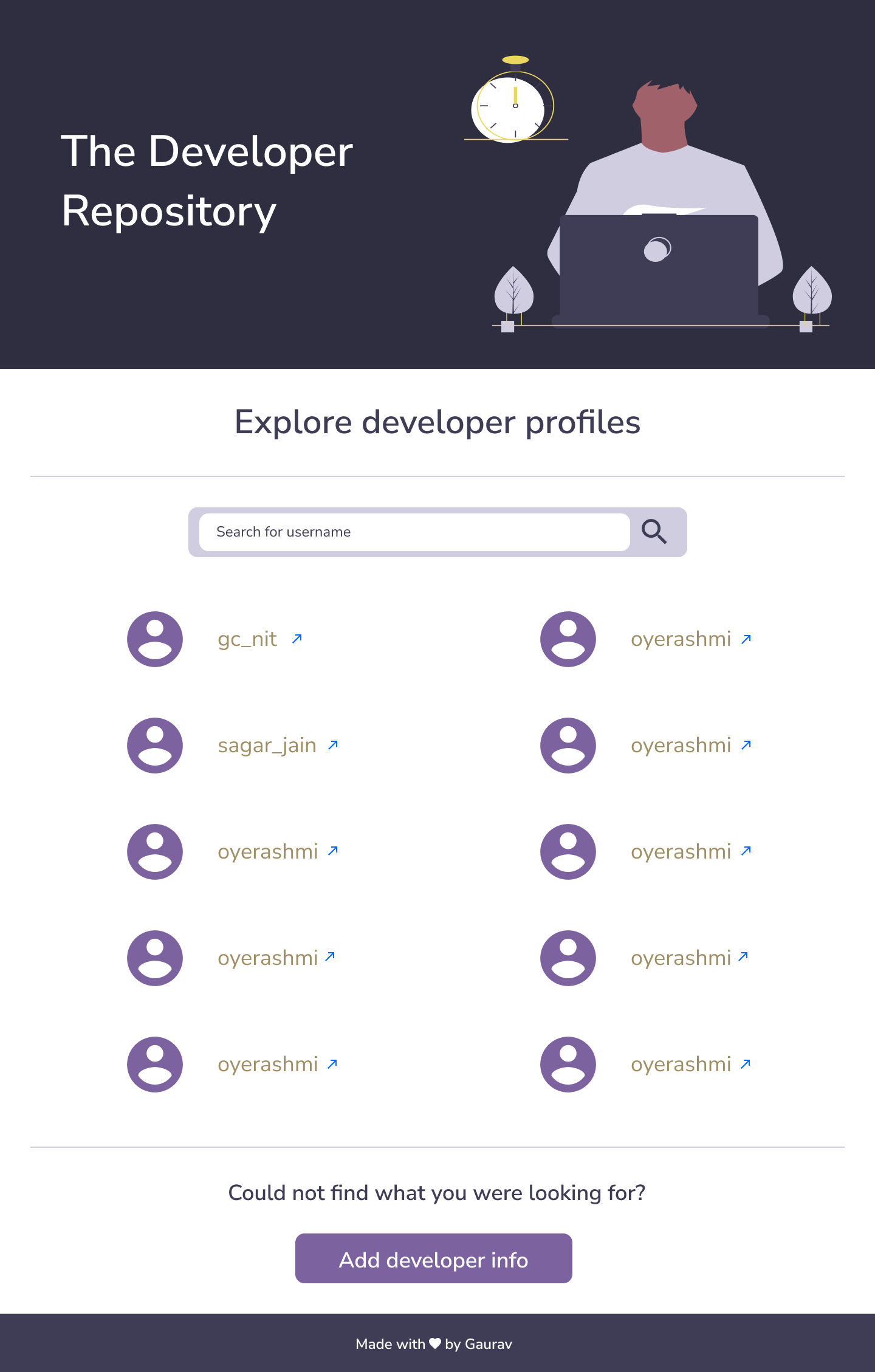
The list should display all the developers on the platform. Clicking on the arrow icon should open the profile page of that developer. The link of the profile page can be derived from id.
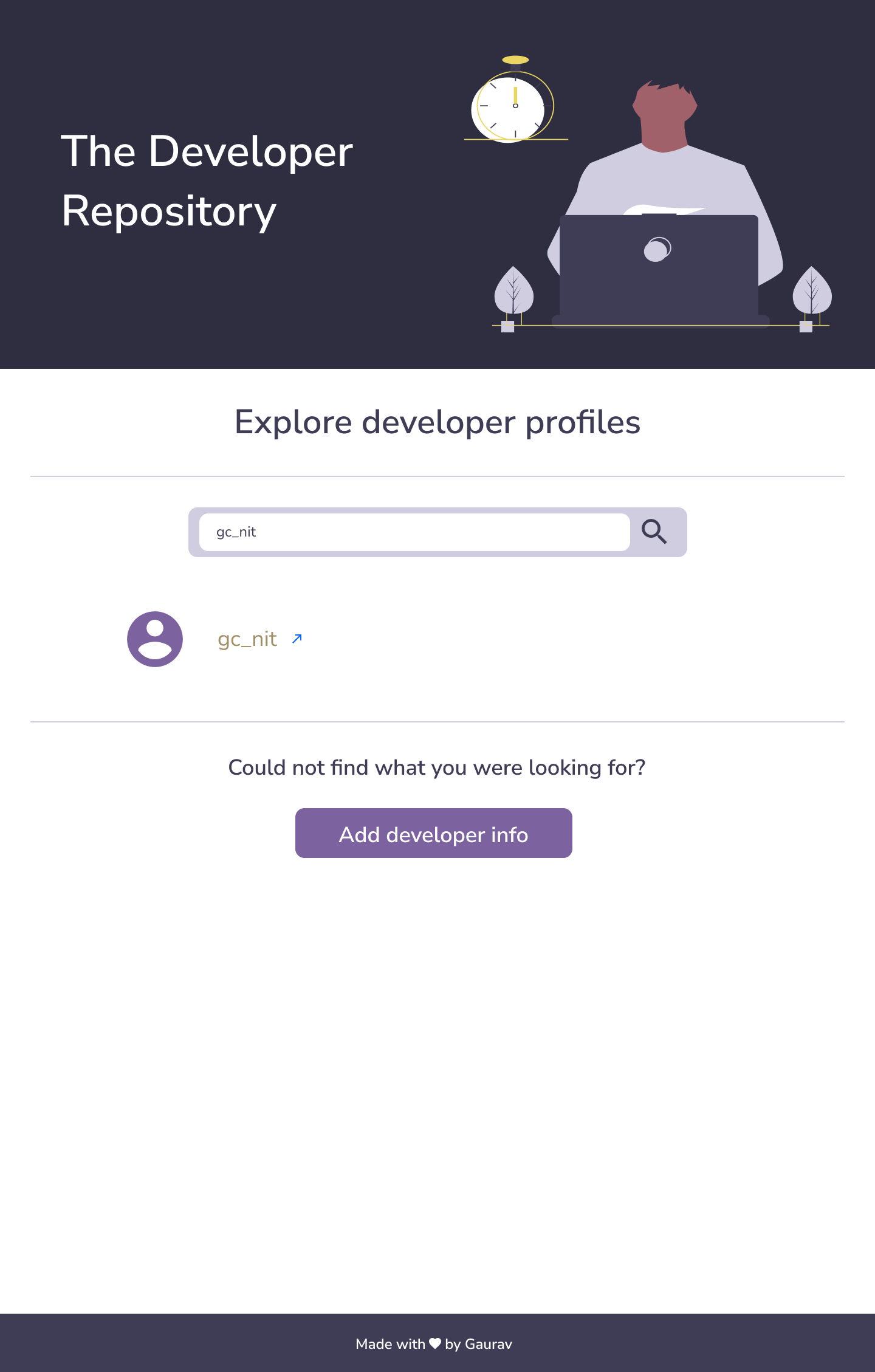
If the user exists on search then we show the avatar, id, and the link of the profile.
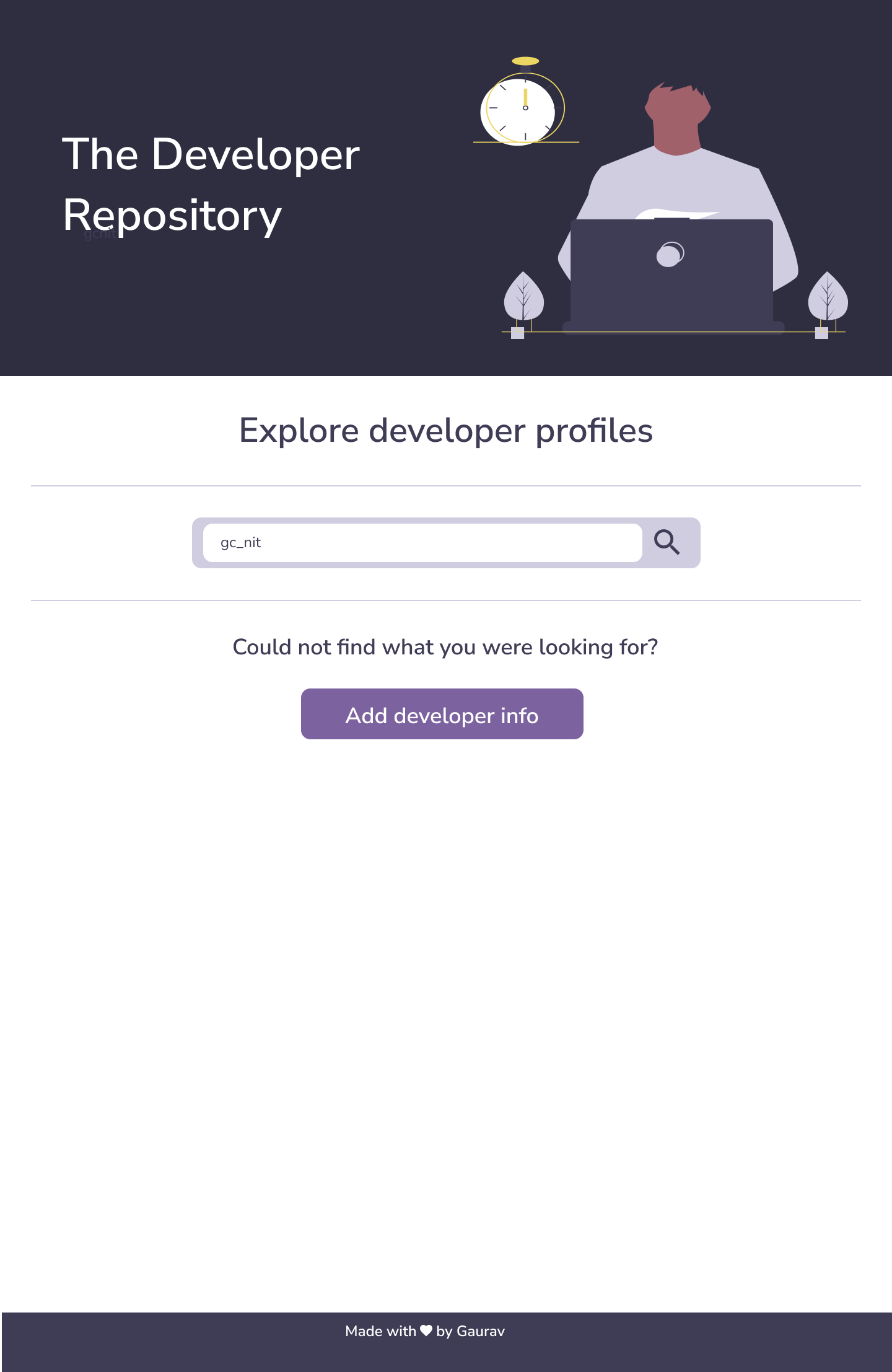
If the user does not exist on search then the result list should be empty. The 'Add developer info' part should be present in the homepage at the bottom of the list in all cases.
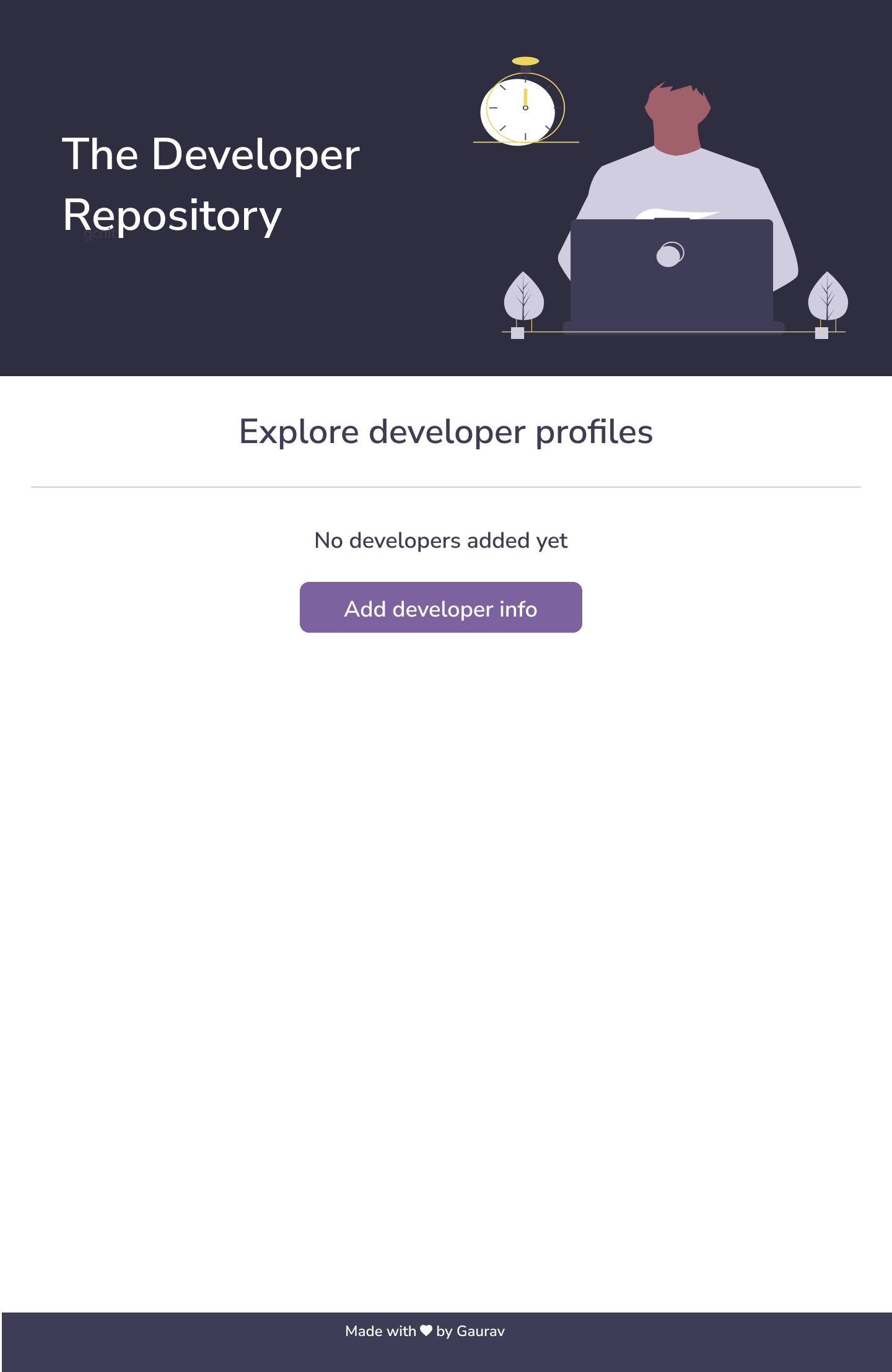
If there are no developers added to the platform as of now.
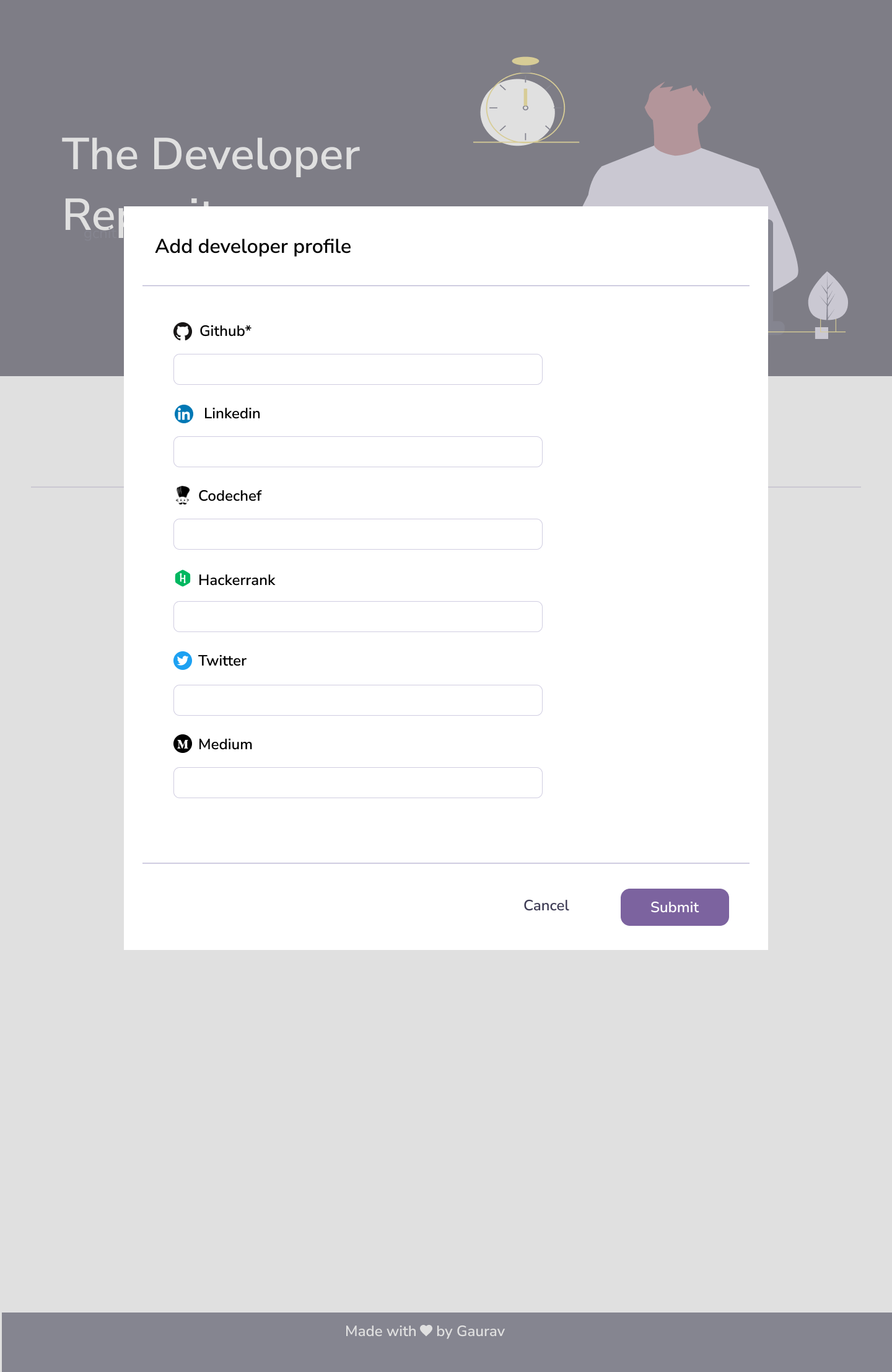
'Add Developer Profile' form to come up on clicking 'Add Developer Info' button. Only GitHub id is mandatory.
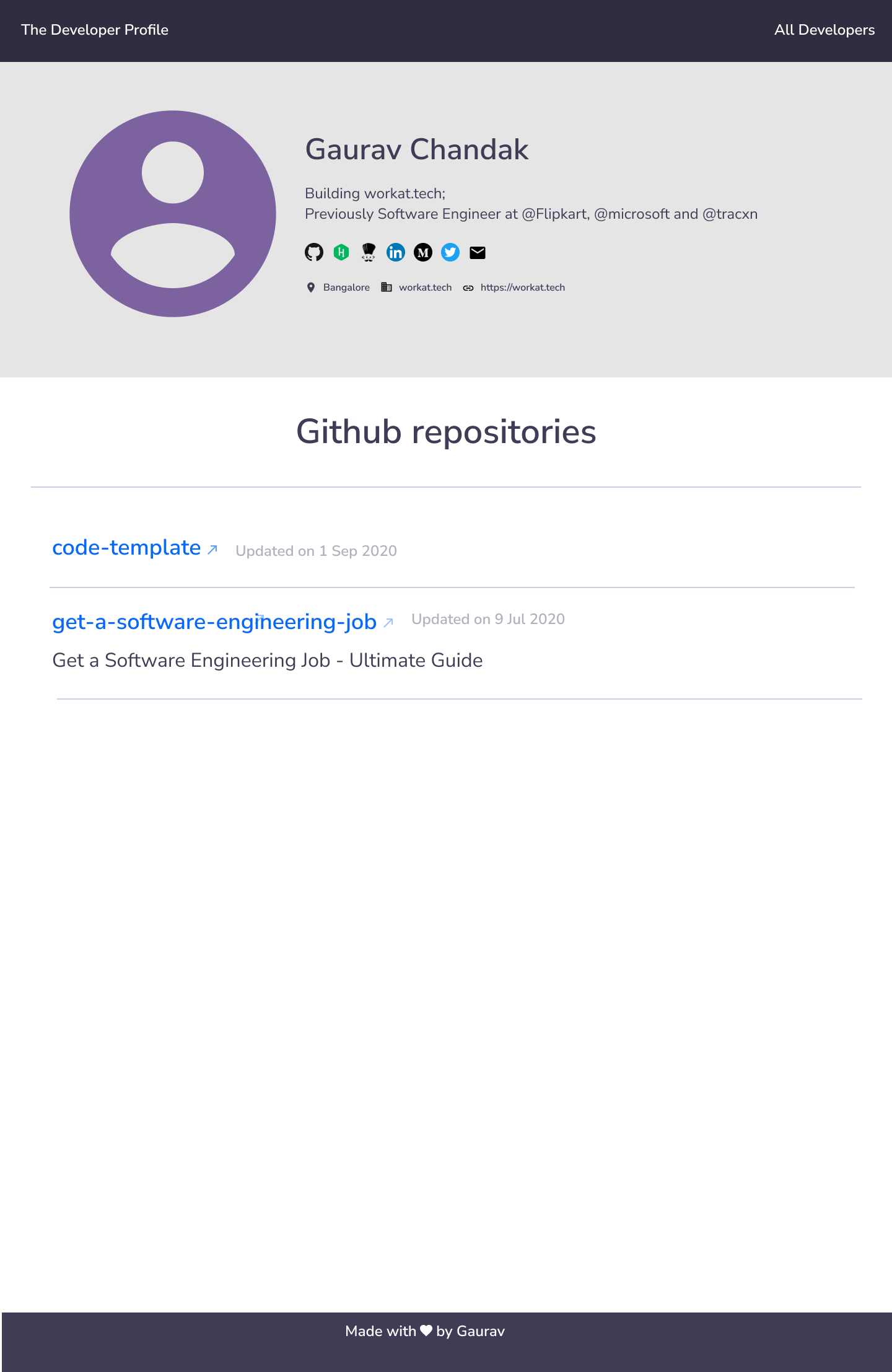
Display all the IDs as URLs by adding the right prefixes. Get the icons from Developer Profile - Icons & Illustrations.
You can find the redlines and mobile views on the Figma Link: Developer Profile - Figma